TradingView vs Investing.com: Which is Best for Beginners? (2025 Review)
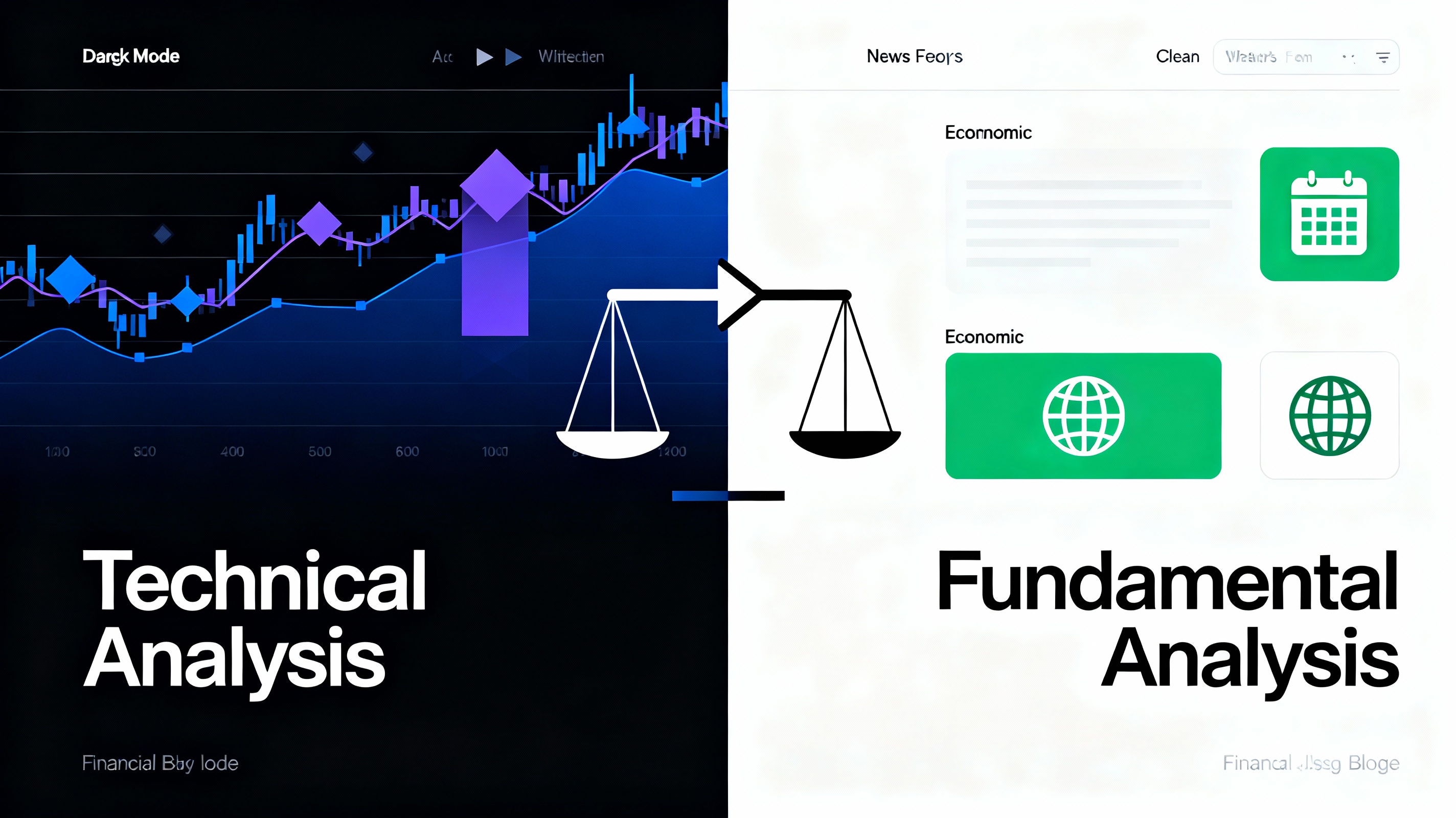
Quick Answer: If you want professional charting and technical analysis, TradingView is the winner. If you need real-time economic news and fundamental data for free, Investing.com is better. However, new platforms like ApexTicker are now merging the best of both worlds.
Choosing the right market tracking platform is the first step for any serious trader. In this guide, we compare the two giants of the industry to help you decide which one fits your trading style.
1. User Interface & Ease of Use
For beginners, a clean interface is crucial to avoid feeling overwhelmed.
- TradingView: Known for its super-clean, modern chart interface. It works seamlessly in any browser and feels like a native app.
- Investing.com: A bit more cluttered with ads (in the free version), but offers immediate access to news headlines and economic calendars right on the homepage.
2. Charting Capabilities
Charting is where the biggest difference lies.
TradingView Charts
TradingView is the gold standard for web-based charting. It offers:
- Over 100+ built-in indicators.
- Drawing tools that are easy to use (Trendlines, Fibonacci, etc.).
- Ability to save unlimited chart layouts (in paid plans).
Investing.com Charts
Investing.com actually uses TradingView's technology for its technical charts, but the implementation is less smooth and has fewer customization options compared to the original TradingView platform.
Comparison Table: Key Features
| Feature | TradingView | Investing.com |
|---|---|---|
| Best For | Technical Analysis | Fundamental News |
| Real-Time Data | Paid (mostly) | Free (for many markets) |
| Mobile App | Excellent | Good (News focused) |
| Custom Indicators | Yes (Pine Script) | No |
3. Data & News Speed
If you trade based on news (like NFP or CPI data), speed matters.
- Investing.com: Is faster and more comprehensive for economic events. Their "Economic Calendar" is legendary among traders.
- TradingView: Has a news feed, but it's secondary to the charts. You might see the price move before you see the news headline.
4. The Alternative: Why Not Both?
Many professional traders use Investing.com for the calendar and TradingView for the charts. This means keeping two tabs open and switching back and forth.
However, newer platforms are solving this problem. For example, ApexTicker integrates live TradingView charts directly with an Investing.com-style economic calendar, giving you a unified dashboard without the clutter.
The Final Verdict
Choose TradingView if: You are a technical trader who loves drawing on charts and using indicators.
Choose Investing.com if: You are a fundamental investor who needs to track global news and economic data instantly.
Pro Tip: Don't limit yourself. Start with free accounts on both, or try an all-in-one dashboard to streamline your workflow.
Check Live Charts on ApexTicker